Explore
Events
Artists
Matches
Categories
Music
Sports
Comedy
More
Offers
Contact
About
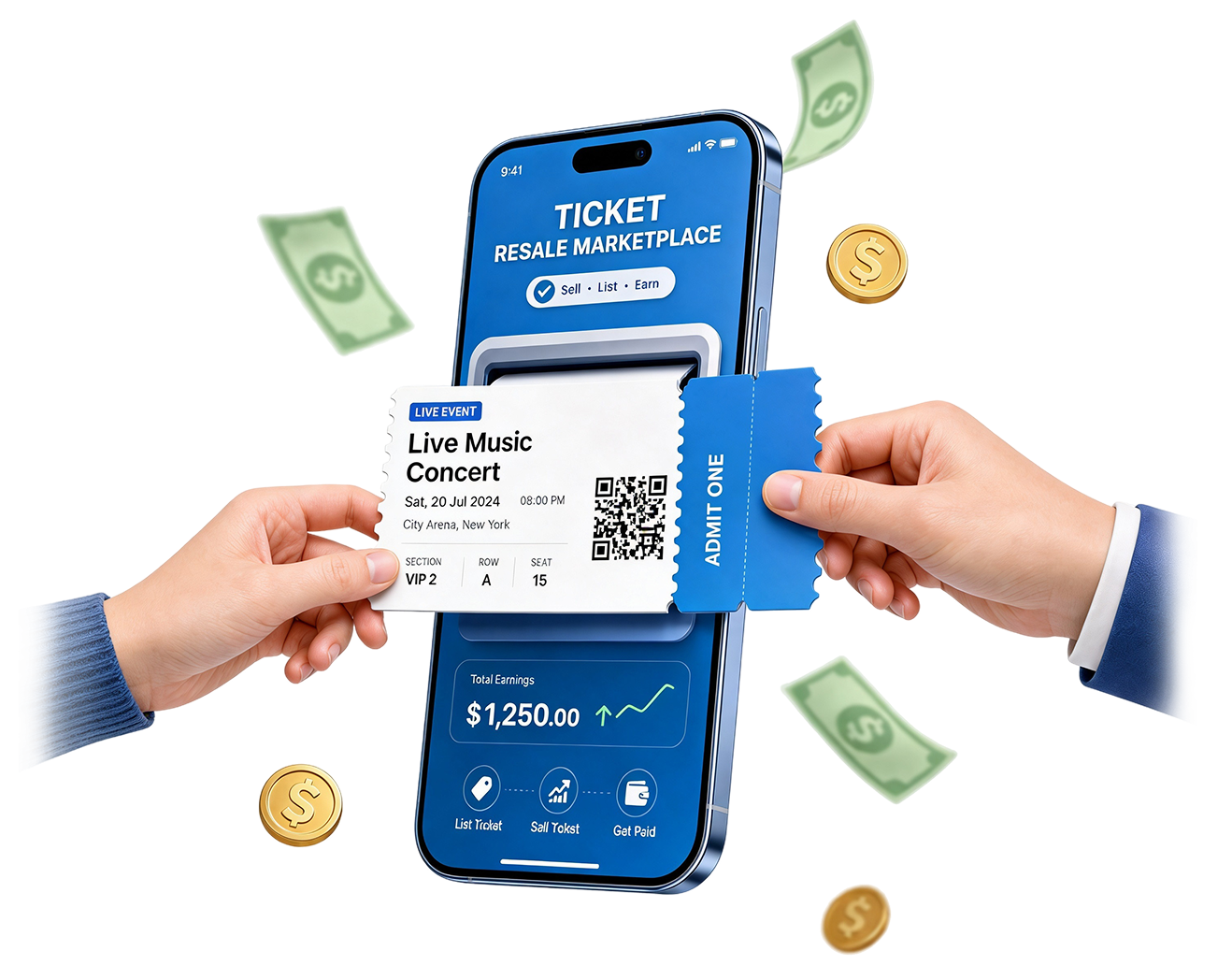
Powering the Next Generation of Ticket Resale
Listings, orders, delivery, and payouts all in one seller platform.
Verified Tickets
Publish your tickets in seconds with no hassle
Dedicated Support
Our team is here whenever you need assistance
Reach More Buyers
Expose your tickets to a wider audience instantly
Safe & Reliable
Sell through a secure and trusted marketplace
How it Works
Sell your tickets in just a few steps!
Sign up
Publish your tickets in seconds with no hassle dedicated support
Sign Up
Welcome to Mytixworld
List Your Tickets For FREE
Post your tickets easily with no listing fee
Sign Up
Welcome to Mytixworld
Receive your sales
Get paid securely after your tickets sell
Sign Up
Welcome to Mytixworld
Frequently asked questions
Create a seller account, complete the verification process, and access your Seller Dashboard to start listing tickets.
Depending on your account type, you may be asked to provide: - Passport or National ID - Proof of address - Company registration documents - Trade license - Tax or VAT information KYC Verification helps keep the marketplace safe for buyers and sellers.
Go to your Seller Dashboard and click Create Listing. Select the event, enter your ticket details, set your price, and publish your listing.
Yes. You can update your pricing, quantity, seat details, and delivery information before the tickets are sold.
Yes, as long as the tickets have not sold or entered a pending sale status.
A pending sale means a buyer has started or completed checkout, but the order is still being finalized or reviewed. During this period: - You must reserve and hold the tickets - You must not resell or transfer the tickets elsewhere - You must wait until the order is either confirmed or cancelled If the order is cancelled, your tickets will automatically become available for sale again.
You will receive: - A dashboard notification - An email confirmation - Delivery instructions for the order You must deliver the tickets before the deadline shown in the order details.
Depending on the event, tickets may be delivered through: - PDF upload - Mobile transfer - QR transfer - E-ticket transfer - External transfer platforms All delivery instructions will appear inside your order page.
You must contact support immediately. Failure to deliver tickets may result in: - Financial penalties - Reduced seller visibility - Temporary suspension - Permanent account removal
You must notify MyTixWorld immediately if your tickets become invalid, restricted, or unusable. Failure to provide valid tickets may result in penalties and account restrictions.
Orders will usually remain valid for the rescheduled event date unless stated otherwise.
Refund policies will apply according to marketplace rules and organizer policies.
All completed sales are added to your Seller Wallet. Funds become available for withdrawal approximately 7 days after the event takes place successfully.
Your Seller Wallet allows you to track: - Available balance - Pending balance - Upcoming payouts - Withdrawal history - Total sales earnings
Funds remain pending until: - The event has taken place - The order review period has passed - Delivery has been successfully completed - Any disputes have been resolved
Once your balance becomes available: - Open your Seller Wallet - Click Withdraw Funds - Select your payout method - Enter the amount - Submit your request Processing times may vary depending on the payout provider.
Yes. Payouts may be delayed for: - Seller verification reviews - Suspicious activity checks - Delivery issues - Buyer disputes - High-risk events
To increase your chances of selling: - Keep pricing competitive - Deliver tickets quickly - Maintain accurate listings - Avoid cancellations - Build a strong seller history
If your question is not listed here, please contact the MyTixWorld Seller Support team through live chat or your Seller Dashboard.
A word of world-class entertainment.
Discover the best things to do in hundreds of destinations.